The Default PIN is 0000. Though there is an Admin Setting that allows users to assign their own Custom PIN.
'How to' change the Default PIN
Step 1: Open the Main Menu
- With the Remote, go to Menu > Settings > Admin > Change Password.
- Use the ◀ ▶ ▼ ▲ buttons on the Remote to navigate the Main Menu.
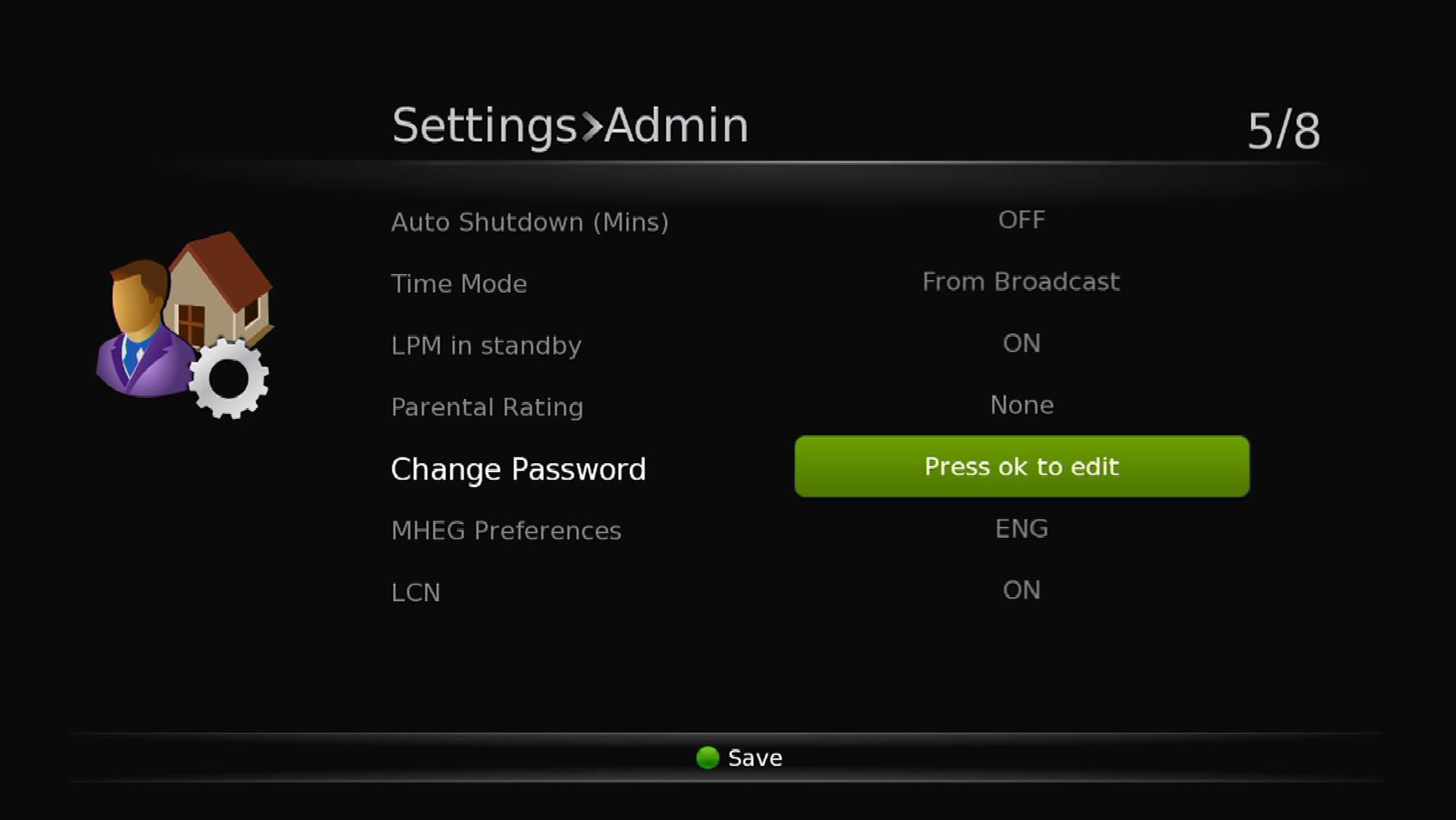
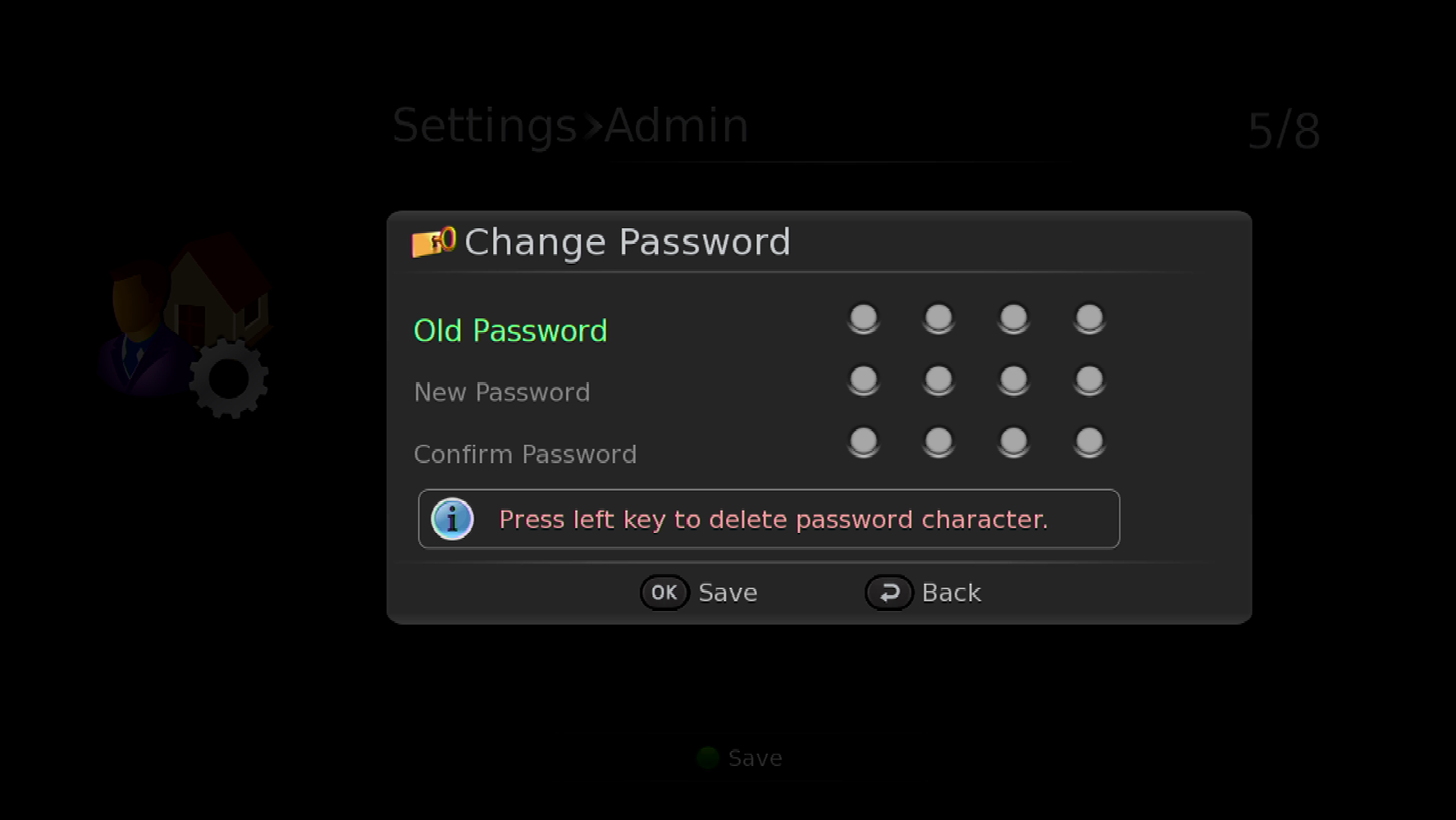
Step 2: Change the PIN
- Use the NUMERIC buttons on the Remote to enter both the OLD and the NEW PIN Numbers.
- Once entered, press the OK button to confirm, and save the NEW PIN.
NOTE: While changing the PIN will add more security, this PIN is required to access and adjust settings. DON'T FORGET IT.